
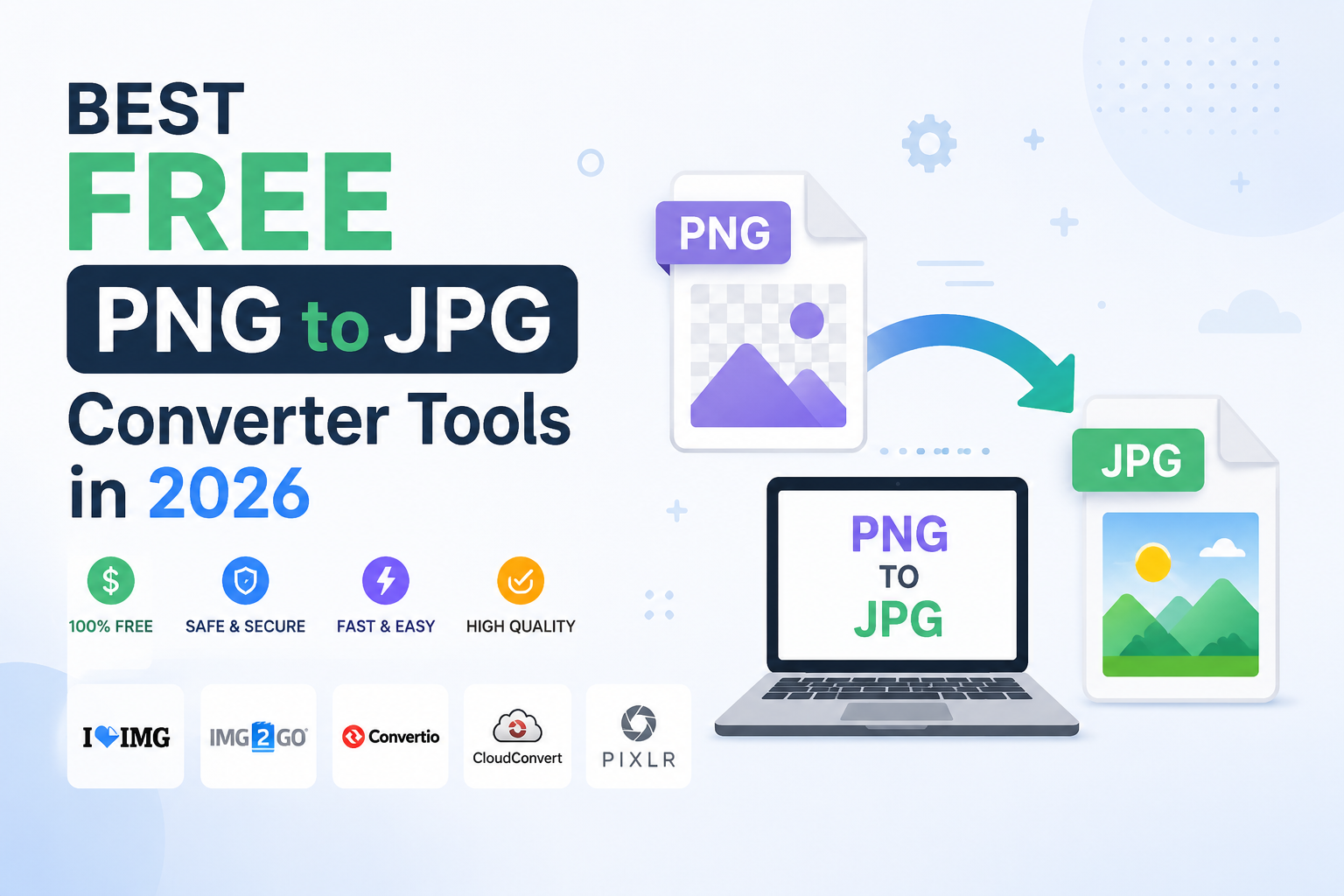
In today’s digital world, images play a crucial role in websites, social media, e-commerce stores, and online marketing. While PNG files are excellent for preserving image quality and transparency, they often come with larger file sizes. JPG (JPEG), on the other hand, offers smaller file sizes, making images easier to upload, share, and use on websites. This is why many users frequently need a reliable PNG to JPG converter.
If you’re looking for the best free PNG to JPG converter tools in 2026, here are some top options that deliver fast, secure, and high-quality conversions.
1. DesignsCtrl Image Converter
One of the most user-friendly and efficient tools available in 2026 is the DesignsCtrl Image Converter. It allows users to convert PNG images into JPG format within seconds without compromising image quality.
Key Features:
- 100% free to use
- Fast conversion speed
- No software installation required
- Mobile-friendly interface
- Maintains image quality
- Secure file processing
This tool is perfect for bloggers, designers, marketers, and website owners who need quick image format conversions.
2. Convertio
Convertio remains one of the most popular online file conversion platforms. It supports hundreds of file formats, including PNG to JPG conversion.
Why Users Love It:
- Cloud-based processing
- Drag-and-drop functionality
- Multiple file uploads
- Compatible with Google Drive and Dropbox
The free version works well for occasional users who need quick image conversions.
3. iLoveIMG
iLoveIMG is a favorite among content creators and graphic designers. Besides PNG to JPG conversion, it offers image compression, resizing, cropping, and editing tools.
Main Benefits:
- Easy-to-use interface
- Batch image conversion
- No technical knowledge required
- Additional image optimization tools
It’s an excellent all-in-one solution for managing image files online.
4. FreeConvert
FreeConvert has gained significant popularity in 2026 due to its speed and flexibility.
Features:
- High-quality image conversion
- Advanced compression settings
- Supports large file uploads
- Browser-based operation
Users can customize image quality settings before downloading the final JPG file.
5. CloudConvert
CloudConvert is known for its professional-grade file conversion services. It supports image, video, audio, document, and archive conversions.
Advantages:
- Secure file handling
- High conversion accuracy
- API support for developers
- Multiple format options
It is especially useful for businesses and professionals who require reliable file conversion solutions.
Why Convert PNG to JPG?
There are several reasons why converting PNG files to JPG can be beneficial:
- Smaller file sizes for faster website loading
- Reduced storage requirements
- Improved website performance
- Faster image uploads on social media
- Better user experience for visitors
For website owners and SEO professionals, optimized JPG images can significantly improve page speed and overall site performance.
Final Thoughts
Choosing the right PNG to JPG converter depends on your specific needs. If you want a simple, fast, and free solution, DesignsCtrl Image Converter is an excellent choice. For users who need advanced features, tools like Convertio, iLoveIMG, FreeConvert, and CloudConvert provide additional flexibility and customization options.
As image optimization becomes increasingly important in 2026, having access to a reliable PNG to JPG converter can save time, improve website speed, and enhance your overall digital workflow. Whether you’re a blogger, business owner, graphic designer, or social media manager, these free tools can help you convert images quickly and efficiently while maintaining excellent quality.